Useful quality choices
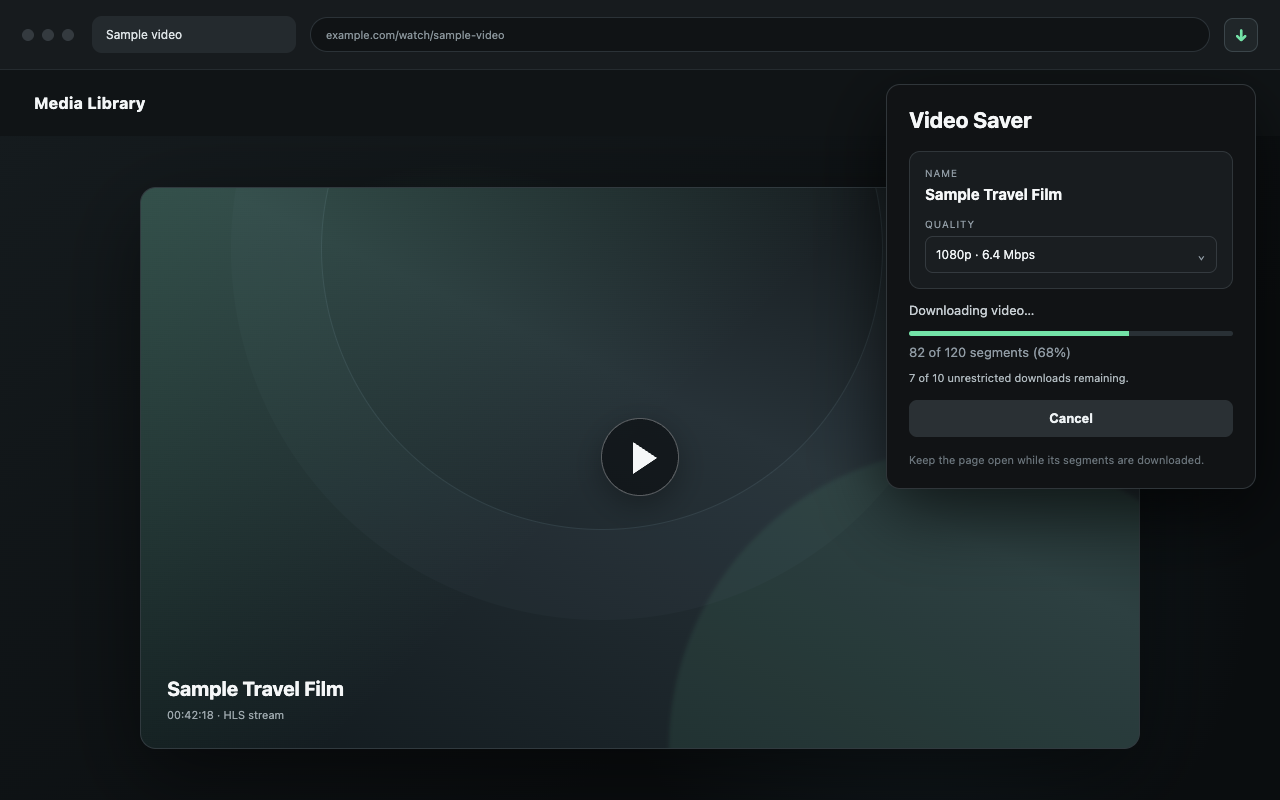
Find the video name and choose from the available qualities in one simple view.
 Video Saver
Chrome extension
Choose a quality and save compatible videos you own or have permission to download as MP4 files. Your videos stay on your device.
Video Saver does not bypass copy protection, paywalls, sign-in requirements or other access restrictions.
A focused workflow
Built for reliability
Find the video name and choose from the available qualities in one simple view.
Videos are prepared on your device and saved as MP4 files. They are not uploaded to us.
Follow download progress, size and speed. Close the popup without stopping the download, and report an issue if you need help.
How it works
Simple pricing
Choose Annual or Lifetime Pro. After payment, select Activate in this browser on your confirmation page.
Free
No payment details
Annual Pro
Renews yearly until cancelled
Lifetime Pro
Single payment
The final currency, total and any applicable tax are shown before you pay. One licence supports three browser installations. Manage billing.
Download only media you own or have permission to save. Website terms, copyright law, and technical compatibility still apply. Protected videos and some websites or video formats are not supported.